 Xray Studio
See why your balancer chose that outbound
Xray Studio runs your config, traces every balancer decision down to the reason, and can make one outbound fail in a way that is indistinguishable from a real network outage.
Built against Xray-core v26.7.28 · macOS · Windows · Linux
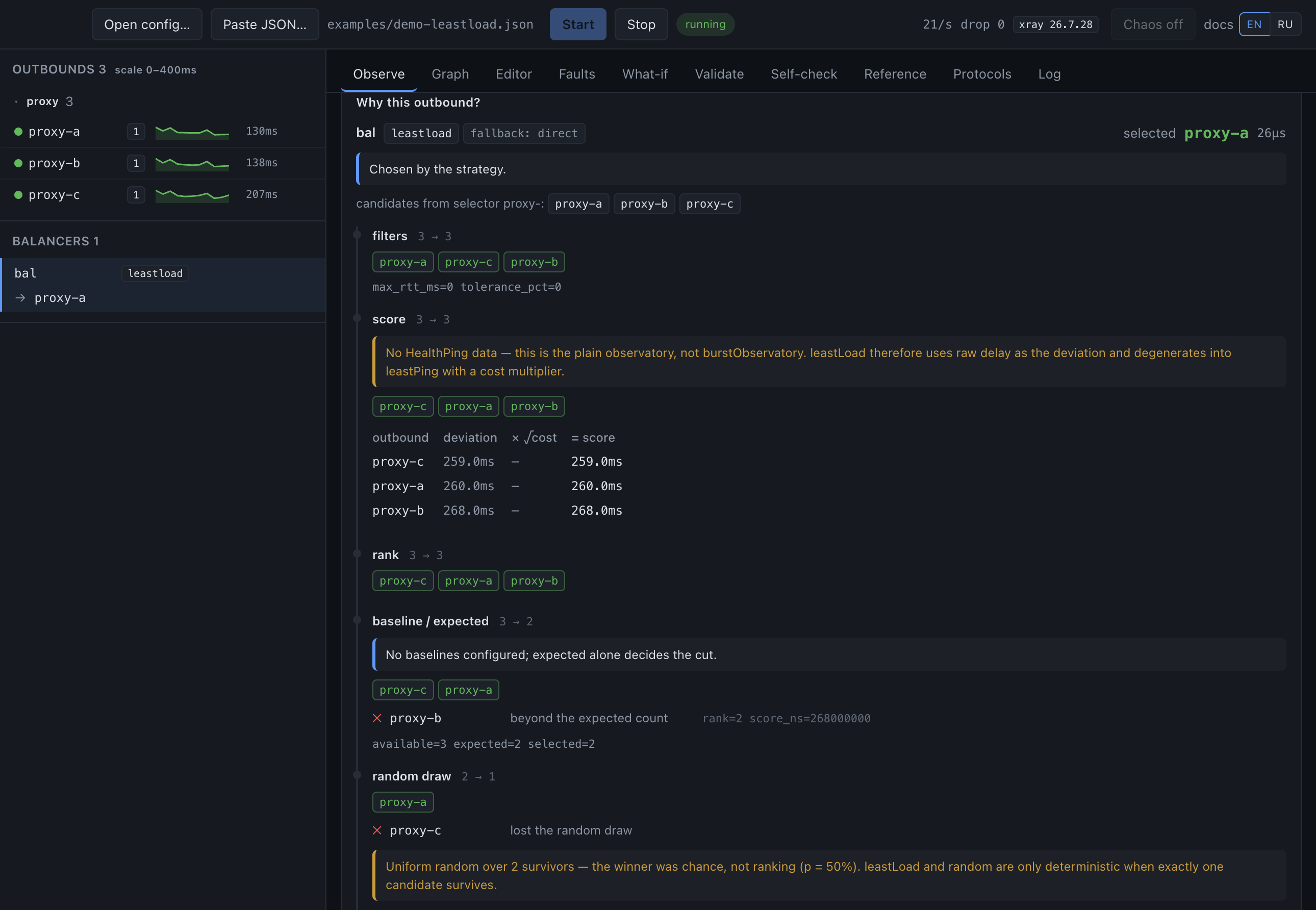
leastLoad decision: the candidates, the
arithmetic, the one that was cut and why — and the dice roll at the end, stated
as a dice roll.
Nothing is collected
No analytics, no crash reporting, no update check, no usage counter. The
window runs under a policy that cannot reach the network at all; the process
behind it talks to 127.0.0.1 and nothing else.
Your configs stay yours
Read from disk, never uploaded. The only traffic the tool causes is the traffic your own config describes — it runs Xray against the servers you listed, which is the point of it.
Free, nothing to buy
No paid tier, no licence key, no account. Source under MPL-2.0 — read it, build it, change it.
Two exceptions, both yours to trigger. A config with geoip: or
geosite: rules fetches the geodata files it needs the first time you
start it — from GitHub by default, or from URLs you add — and never again unless you
press Update. And the AI Assistant sends what you ask it, with an API key you supply;
it does nothing until you enter one.
Xray will not tell you how it decided
Its API reports which outbound a balancer would pick and nothing about how it got there — no strategy, no candidates, no scores, no rejection reasons. Probe results, individual RTT samples and per-connection rule matches are not exposed at all. When a strategy returns nothing, the dispatcher silently falls through to the first outbound in your file and discards the error.
This tool runs a patched core that emits the missing part — threaded through the real balancer code, not reimplemented beside it, so the explanation cannot drift from the behaviour it explains.
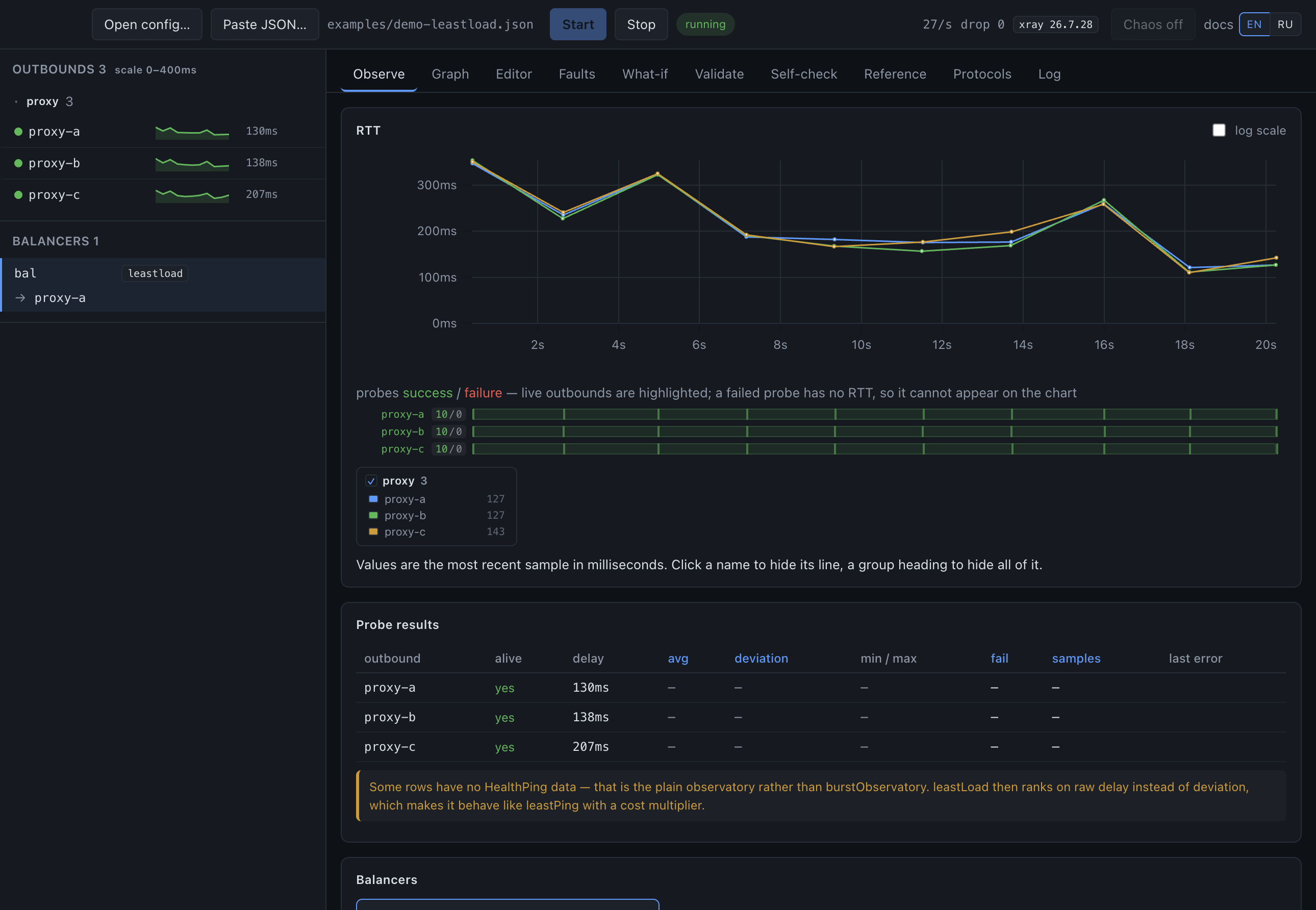
Every probe, on one time axis
The RTT chart and a lane beneath it showing every probe — successful and failed — against the same clock, so a fault and the failover it caused line up by eye.
- Failures are never drawn as values. A dead probe has no RTT; the observatory stores a sentinel, and charting it would flatten every real measurement.
- Sub-millisecond reads are marked. Xray truncates delay to whole milliseconds, so a fast server reports
0— the table says so instead of implying instant. - The columns the strategy sorts by are highlighted. The table explains the ranking rather than being a wall of numbers.
- Log scale turns itself on when one probe is far slower than the rest and would flatten the others.
Make one outbound unreachable, for real
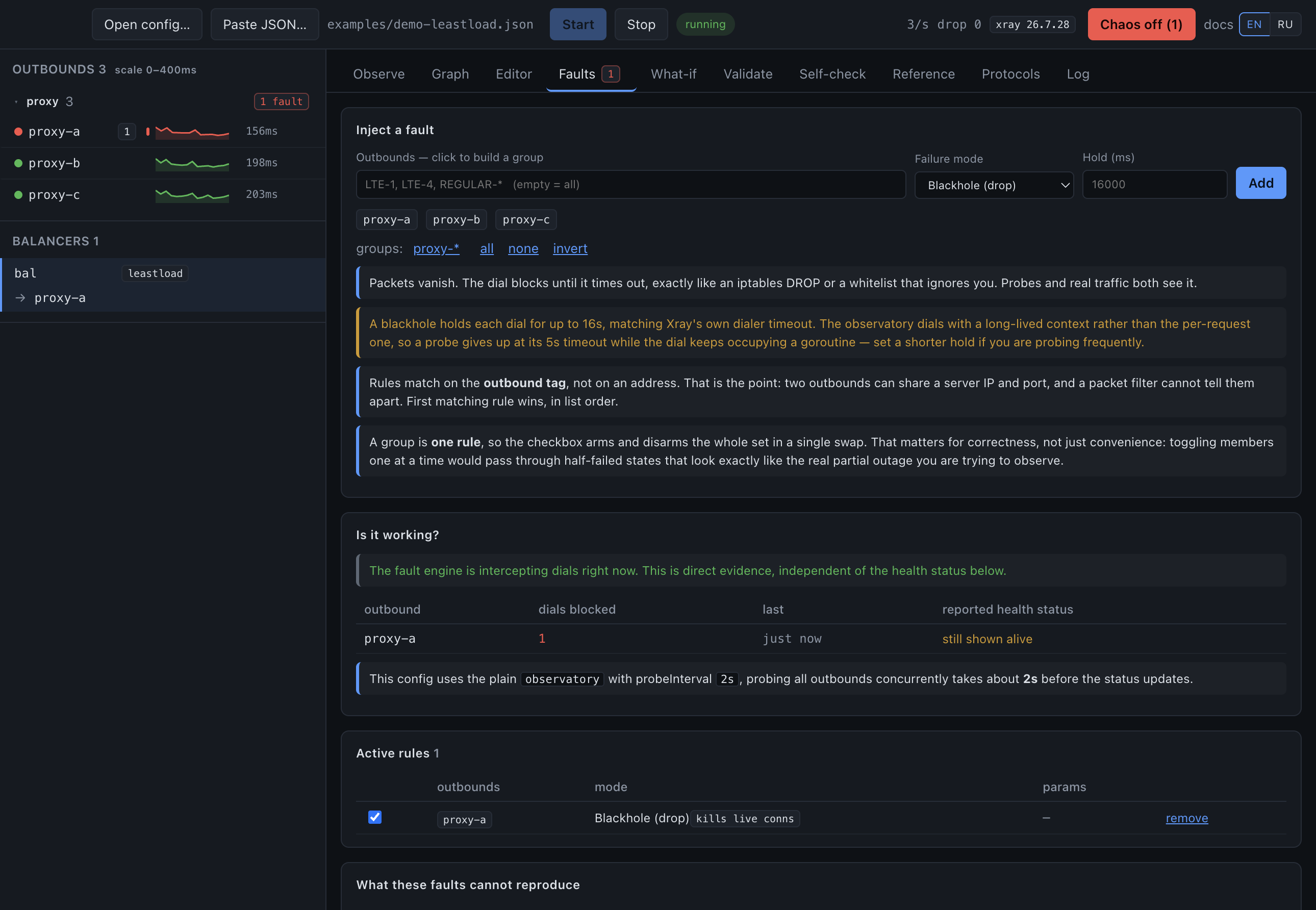
Blackhole, refuse, host unreachable, TLS garbage, latency, throttle, packet loss. The synthesized errors are asserted byte-identical to what the kernel produces for the same condition.
- Keyed on the outbound tag, not an address. Two outbounds can share a server IP and port; a packet filter physically cannot tell them apart, and a tag can.
- Probes and traffic take the same path, so health checks see the failure exactly the way real connections do — which is how a firewall behaves.
- Live connections are torn down too. A firewall does not wait politely for existing flows to finish.
- The five things it cannot reproduce are listed in the panel, beside the rules themselves, rather than buried in a footnote.
Edit the config, keep the file
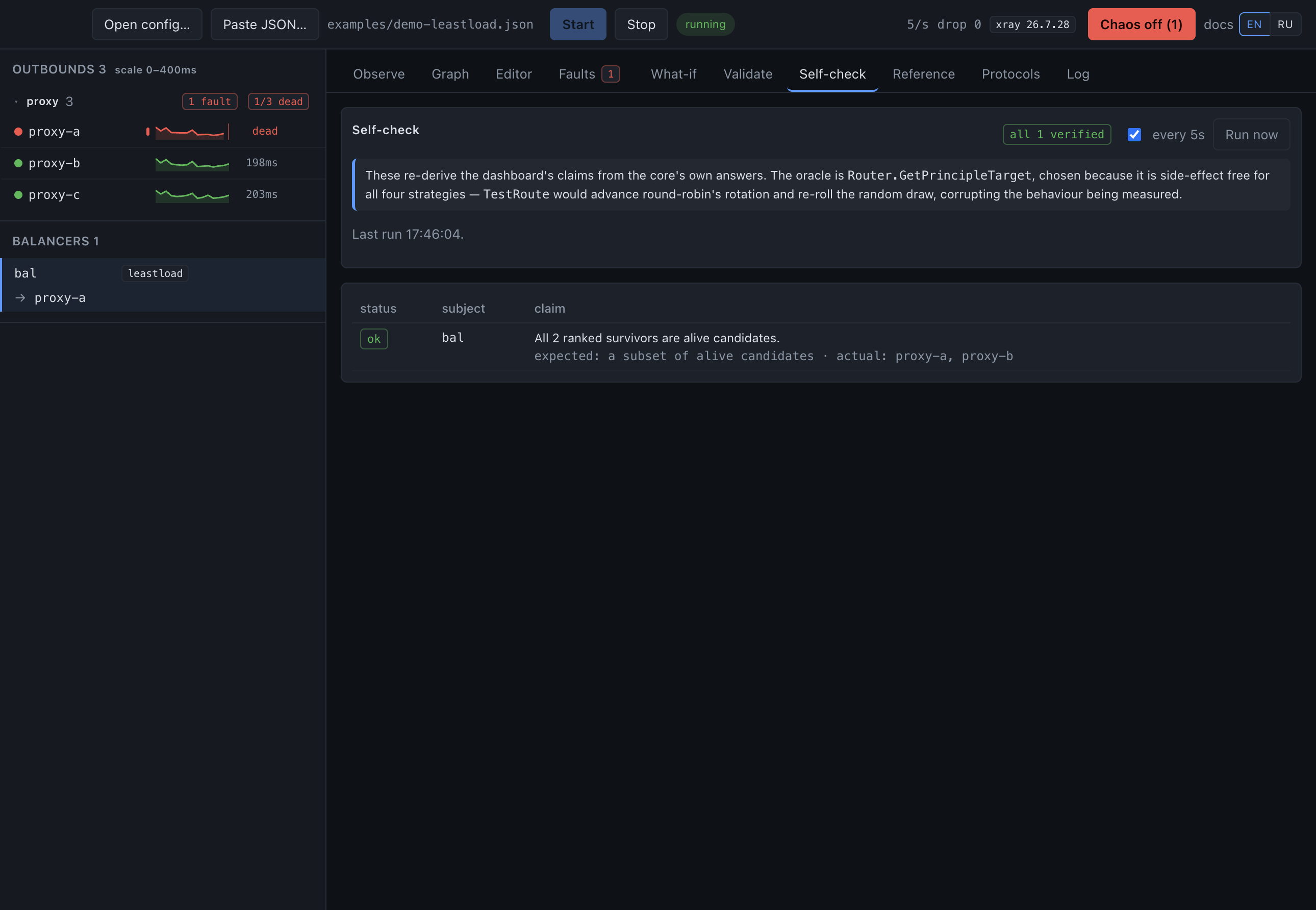
Click a node in the diagram to change it, or edit the text directly. Every change is a minimal patch to the JSON, never a re-serialisation.
- Your comments and formatting survive. Protocol settings, TLS, Reality and
muxare untouched — the graph models tags and routing, and rebuilding the file from it would delete the rest. - Renames follow their references —
fallbackTag,outboundTag, a rule'sbalancerTag— but deliberately not balancer selectors, because a selector is a pattern, not a reference. - Nothing is written until you press Save, and the draft is validated through the real loader first.
- Hover any key for its documentation: 360 parameters from the official Xray docs, in English or Russian.
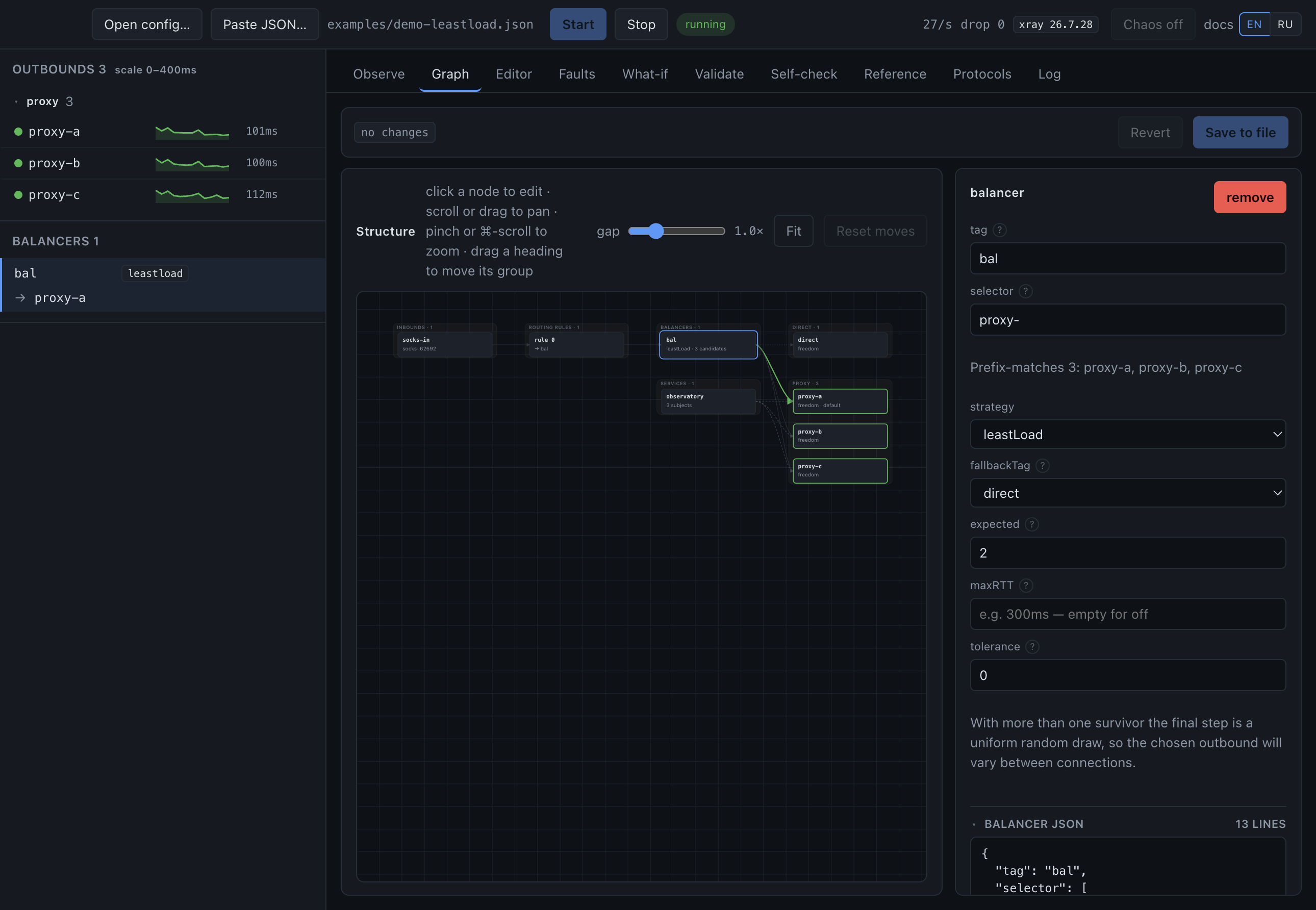
Ask without touching anything
What would this balancer do if maxRTT were 200 ms, or if this
outbound died? Answered by running the real strategy code against a frozen
observation — not a model of it.
- Reported over 1,000 trials.
randomandleastLoadfinish with a uniform draw, so with more than one survivor there is no single answer — only a distribution. - Works with no traffic at all, because it does not need a live decision to answer.
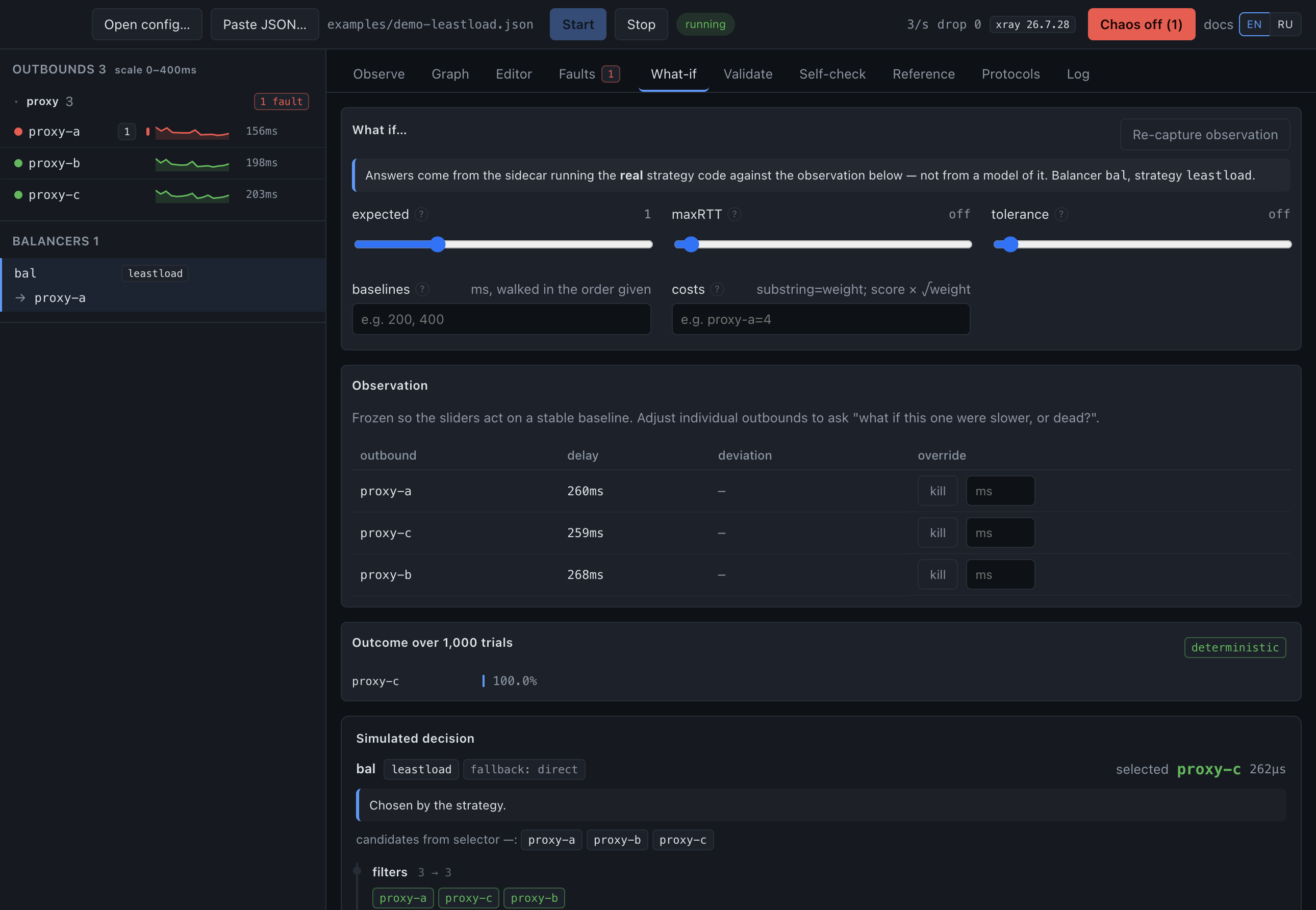
Configs that load, and then do nothing
Xray already rejects malformed configs. What it will not tell you about is the config it accepts and then never acts on. Those are reported as silently broken.
- A key nothing reads. Go's JSON decoder ignores unknown fields, so
"balancer"instead of"balancers"behaves exactly as if the block were absent. - A selector matching no outbound — never checked at load time, because balancers are built before outbounds exist.
- A
fallbackTagpointing nowhere, so traffic quietly leaves through the first outbound in the file. - The known-key set is derived from the parser itself, by reflection, so it cannot drift as Xray evolves.
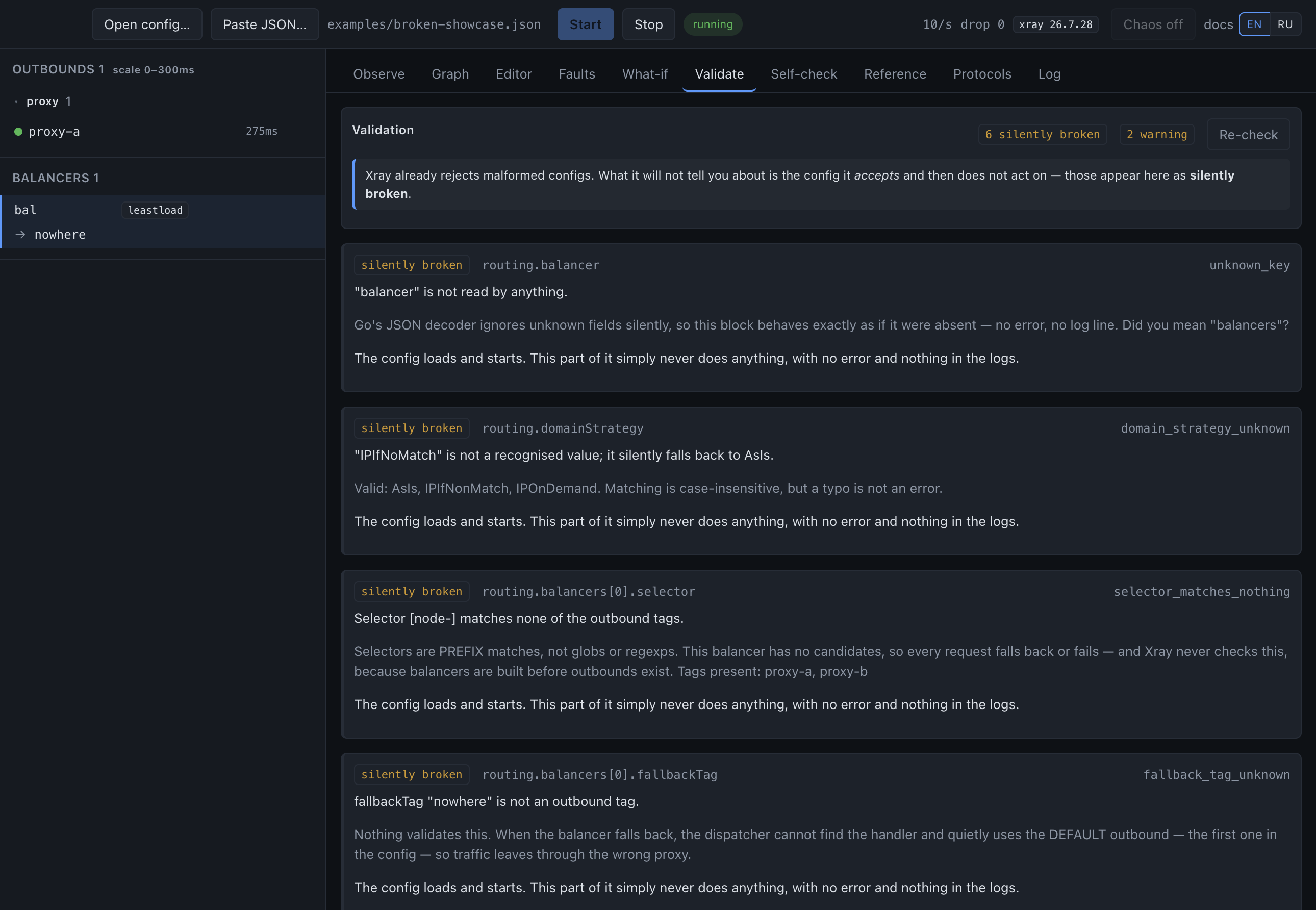
The tool audits its own claims
Everything this app says about Xray is an assertion about someone else's code. These checks re-derive those assertions from the core's own answers, so a wrong one becomes visible instead of quietly misleading.
Download
One file per system, on the releases page. Nothing to install on Windows, nothing to sign up for anywhere.
sudo pacman -U <file>. An aarch64 package is there too.
chmod +x and run. No install, no dependency resolution.
Nothing is signed. macOS needs the quarantine flag cleared once
(xattr -dr com.apple.quarantine "/Applications/Xray Studio.app") and
Windows will warn about an unknown publisher. The
README explains
which file is yours if you are unsure, and every release carries the sources it
was built from.
Windows writes nothing outside its folder — no registry keys, no uninstall entry. Delete the folder and every trace is gone; copy it to a USB stick and your setup travels with it.